
Squarespace is a popular platform for creating websites, managing domains, publishing content, and running online businesses. Whether you own a personal website, manage a business site, or work as a contributor on someone else’s website, you need to sign in to access the Squarespace dashboard.
The Squarespace login process is straightforward, but problems can occur if you use the wrong email address, password, or login method. This guide explains how to access your account, recover your credentials, troubleshoot common problems, and keep your account secure.
How to Access the Squarespace Login Page
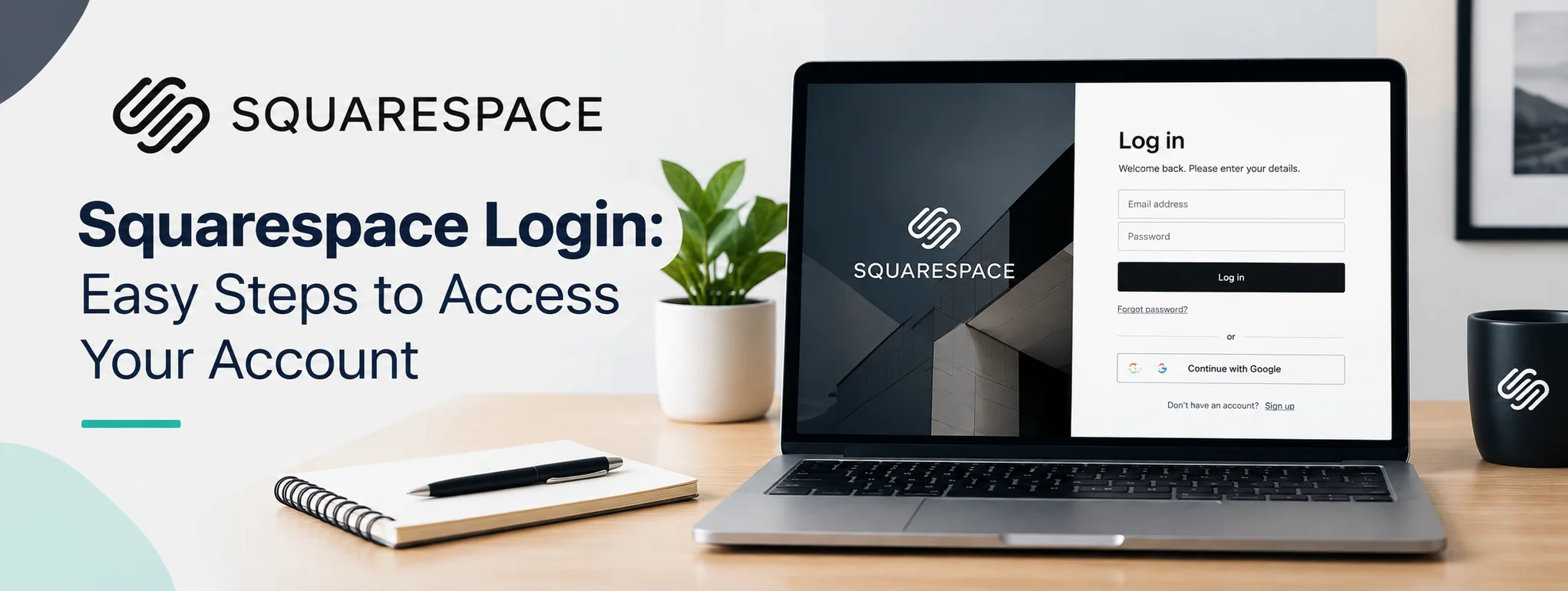
The easiest way to sign in is through the official Squarespace login page. Open your browser and visit the Squarespace login page. You can then enter your account credentials or choose the social account you originally used to register.
Squarespace currently supports login with an email address and password, as well as Apple, Facebook, and Google accounts. If you created your account using a social login, you should generally continue using the same method.
Once your information is accepted, Squarespace will take you to your account dashboard. If you manage multiple websites, you can select the appropriate site from the dashboard.
Squarespace Login Steps
Follow these steps to access your account:
- Open a web browser on your computer or mobile device.
- Go to the official Squarespace login page.
- Enter the email address connected to your account.
- Enter your password.
- Select Log In.
- Complete any security or verification step if requested.
- Choose the website you want to manage.
If you registered through Google, Apple, or Facebook, select the corresponding option instead of entering a Squarespace password.
Squarespace also provides an account dashboard where you can view websites, domains, and other subscriptions connected to your account.
Logging In to a Specific Website
If you already know the website you want to manage, Squarespace provides another useful option. You can add /config to the end of your site’s built-in or custom domain.
For example, a site could use a format similar to:
yourwebsite.com/config
This can take you directly toward the site’s management interface after authentication. Squarespace also lists the account dashboard and standard login page as alternative ways to access your account.
This option can be especially useful when you manage several websites and want to reach a particular site quickly.
What to Do If You Forget Your Password
Forgetting your password does not mean you have lost access to your website. On the Squarespace login page, select Can’t log in? and follow the password recovery instructions.
Enter the email address associated with your account. Squarespace will send instructions for creating a new password. If the recovery message does not appear, check your spam, junk, promotions, or other filtered folders.
If you normally use Google, Apple, or another social account to sign in, your password may need to be managed through that service rather than through a traditional Squarespace password.
Common Squarespace Login Problems
Several issues can prevent successful access. One of the most common is using a different login method from the one originally selected during account creation.
For example, if you registered with Google but later try entering an email and password, Squarespace may not recognize the credentials. Trying the original social login method can resolve the problem.
Other common causes include:
- Incorrect email address
- Incorrect password
- Expired or inaccessible email account
- Browser cache or cookie problems
- Two-factor authentication difficulties
- Incorrect social account
- Temporary Squarespace service problems
If a login page continues to fail, try another browser or private/incognito window. You can also clear your browser’s cache and cookies before trying again.
Squarespace Two-Factor Authentication
Two-factor authentication, commonly called 2FA, provides an additional layer of account protection. When enabled, you may need to complete an additional verification step after entering your normal login information.
If you receive a 2FA request that you cannot complete, Squarespace provides dedicated troubleshooting and account-recovery options. Keeping your recovery information current can make account access easier if you lose access to your normal authentication method.
Check Which Website You Are Managing
People who manage multiple Squarespace websites can sometimes sign into the correct account but open the wrong website.
After logging in, review the website preview, site title, and domain shown in the account dashboard. Squarespace’s dashboard is designed to display the websites and subscriptions associated with your account, making it easier to identify the correct site.
Before changing pages, settings, billing information, or domains, confirm that you have selected the correct website.
Quick Squarespace Login Reference
| Login Situation | Recommended Action |
|---|---|
| Normal login | Use your email and password |
| Google account signup | Select Google login |
| Apple account signup | Select Apple login |
| Forgot password | Select “Can’t log in?” and reset it |
| Forgot email | Use account recovery options |
| Multiple websites | Select the correct site from the dashboard |
| Direct site access | Add /config to your site address |
| Suspicious activity | Review account activity and active sessions |
How to Keep Your Squarespace Account Secure
Your website account may contain important information about your domain, content, customers, payments, and business operations. Use a strong, unique password and avoid sharing your login credentials with other people.
Two-factor authentication can provide additional protection. It is also useful to periodically review your account activity. Squarespace provides an activity section where you can review recent sessions and account-related activity, helping you identify unfamiliar access.
Never enter your password on a suspicious website or follow login links from unknown messages. When possible, navigate directly to Squarespace’s official website before entering account information.
FAQs
1. Where can I log in to Squarespace?
You can access your account through the official Squarespace login page and enter your credentials or use your connected social account.
2. What if I forgot my Squarespace password?
Select Can’t log in? on the login page and follow the password recovery instructions sent to your registered email address.
3. Can I log in with Google?
Yes. Squarespace supports Google login for accounts that were created or configured to use that login method.
4. Why can’t Squarespace find my account?
You may be using the wrong email address or social account. Try your other account details or use Squarespace’s account recovery process.
5. Can I access my website directly?
Yes. Squarespace supports a direct configuration URL by adding /config to your built-in or custom website address.
Final Thoughts
The Squarespace login process is simple when you use the same credentials or social login method connected to your account. After signing in, the account dashboard makes it easier to manage multiple websites, domains, and related subscriptions from one location.
If you cannot access your account, start by checking your login method and email address before resetting your password. For additional protection, enable two-factor authentication and periodically review account activity. These simple steps can help you maintain reliable and secure access to your Squarespace website.