
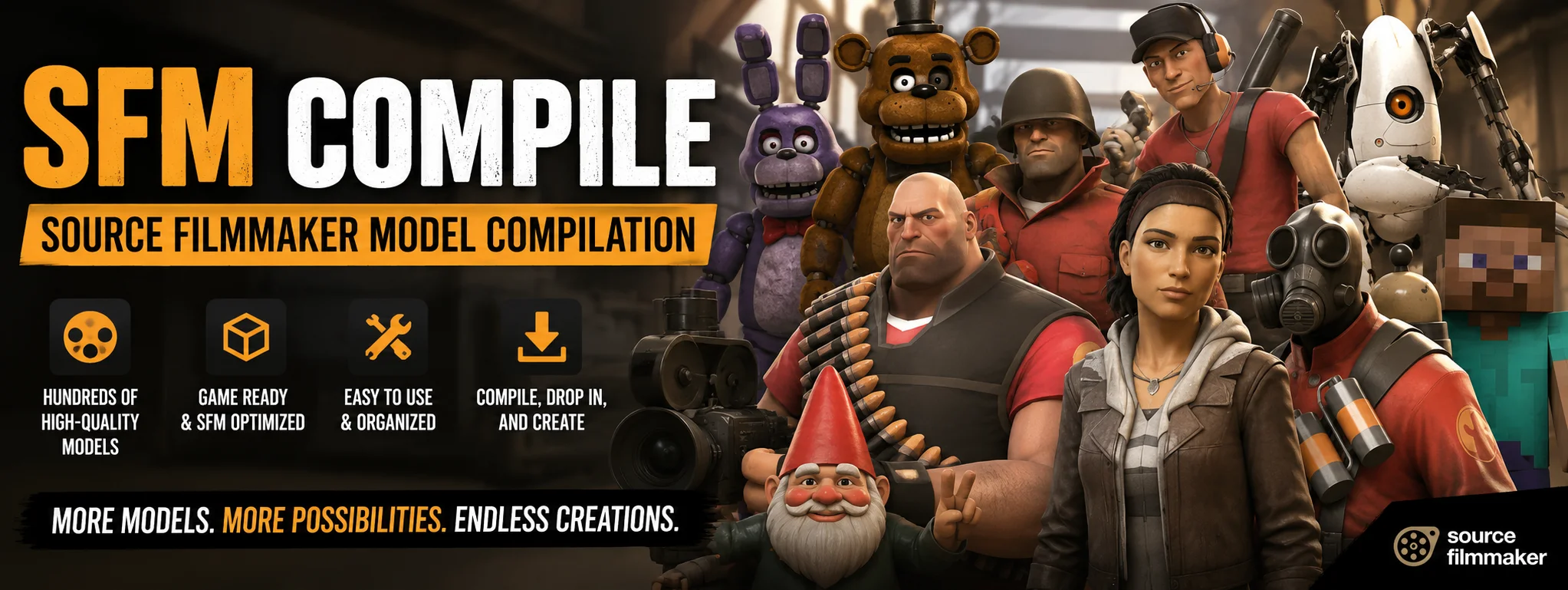
Creating custom content for Source Filmmaker (SFM) gives artists unlimited creative freedom. Instead of relying only on the default asset library, creators can design their own characters, props, weapons, environments, and animations. However, before these custom creations can work properly inside SFM, they must go through a crucial technical process called SFM Compile.
Whether you are an aspiring 3D animator, a modder, or a visual storyteller, Source Filmmaker (SFM) remains one of the most powerful and accessible real-time animation tools available. However, creators regularly run into a technical wall known as SFM Compile.
The term “SFM Compile” refers to two critical workflows within the Source Engine ecosystem:
-
Asset Compilation: Converting raw 3D meshes, textures, animations, and maps into binary formats (
.mdl,.vtf,.bsp) that the engine can process. -
Render Compilation: Exporting finished animated scenes into high-quality image sequences or video files.
Understanding the compilation pipeline transforms SFM from a frustrating puzzle of missing textures into a streamlined creative sandbox. This article explores everything you need to know about SFM Compile, detailing how to prepare, process, and troubleshoot your assets and renders.
1. Understanding Asset Compilation: Why Is It Necessary?
Unlike modern game engines like Unreal Engine or Unity, which can import raw .fbx or .obj formats on the fly, Valve’s Source Engine operates on a specialized binary structure designed for efficiency.
When you download a 3D model from Blender, Maya, or 3ds Max, SFM cannot read it natively. The raw data must undergo a compile process to create an assembly of interconnected files:
-
.mdl(Model File): The main structure containing metadata, bone hierarchies, and surface references. -
.vvd(Valve Vertex Data): Raw geometry data including vertex points, normals, and UV coordinates. -
.vtx(Vertex Indexing): Engine-optimized data for drawing geometry efficiently based on hardware performance. -
.phy(Physics Model): Simplified collision meshes used for physical interactions within the engine.
Without compiling, Source Engine software cannot calculate bone transforms, lighting responses, or material paths.
2. The Core Tools Required for SFM Compilation
To successfully compile custom assets into Source Filmmaker, you need a specialized toolkit:
3D Modeling Software & Plugins
Programs like Blender paired with community-maintained plugins (such as Blender Source Tools) allow creators to export raw geometry and armature structures as .smd (Source Modeling Data) or .dmx files.
Text Editor & QC Scripts
A QC file (.qc) is a plain-text control script that tells the compiler how to piece everything together—where to place the model, what animations to include, and where the materials live.
Crowbar & StudioMDL
StudioMDL.exe is the native command-line compilation utility built by Valve. Because command line tools can be intimidating, the community relies heavily on Crowbar, a graphical user interface (GUI) tool that automates the process of compiling and decompiling Source assets.
VTFEdit
Textures require their own compile pipeline. VTFEdit converts standard .png or .tga images into .vtf (Valve Texture Format) and generates .vmt (Valve Material Type) definition files.
3. Step-by-Step Guide: Compiling a Custom Model for SFM
[3D Software (Blender)] ➔ [Export .SMD / .DMX]
                                │
                                ▼
                       [Write .QC Script]
                                │
                                ▼
                      [Crowbar / StudioMDL]
                                │
                                ▼
         [Compiled Assets: .MDL, .VVD, .VTX, .PHY]
                                │
                                ▼
                 [Loaded in Source Filmmaker]
Step 1: Geometry & Skeleton Preparation
In your 3D software, ensure your mesh triangle count is optimized (ideally under 60,000 polygons for performance). Apply all scale, rotation, and position transformations to avoid offset glitches. Assign clear material names to your polygon groups.
Step 2: Export Data Files
Using your software’s Source exporter plugin, export:
-
Reference Mesh (
.smd): Contains the primary 3D shape and skeleton weighting. -
Physics Mesh (
.smd): A simplified convex box or shape used for collision. -
Animations (
.smd): Optional files containing skeleton keyframes.
Step 3: Write the QC Script
Create a text document named mymodel.qc. A basic script looks like this:
Plaintext
$modelname "custom_props/mymodel.mdl"
$body mybody "mymodel_ref.smd"
$cdmaterials "models/custom_props/"
$sequence "idle" "mymodel_ref.smd" fps 30
$collisionmodel "mymodel_phys.smd" {
    $concave
}
-
$modelname: Defines where the compiled output will be placed inside your target directory. -
$cdmaterials: Specifies the directory path inside thematerialsfolder where.vmtfiles reside.
Step 4: Run the Compilation via Crowbar
-
Open Crowbar and switch to the Compile tab.
-
Select Source Filmmaker in the Game Target dropdown.
-
Point Crowbar to your
mymodel.qcfile. -
Click Compile.
Once complete, Crowbar automatically generates the binary files in your designated directory (typically inside usermod/models/).
4. Compiling Textures and Materials
Even a perfectly compiled .mdl file will render completely invisible or show up covered in a bright purple-and-black checkerboard pattern if materials are improperly compiled.
| File Extension | File Purpose | Details |
.vtf |
Valve Texture Format | The binary image container (Diffuse, Normal, Specular, Exponent maps). |
.vmt |
Valve Material Type | A text script linking .vtf maps to shader parameters like phong lighting, rimlight, and transparency. |
Creating the .vmt File
For custom models, the shader declaration typically uses VertexLitGeneric:
Plaintext
"VertexLitGeneric"
{
    "$basetexture" "models/custom_props/mymodel_diffuse"
    "$bumpmap"     "models/custom_props/mymodel_normal"
    "$phong"       "1"
    "$phongexponent" "15"
    "$phongboost"   "1"
}
Ensure the file path inside $basetexture strictly mirrors the folder hierarchy defined in your QC script.
5. Rendering Compilation: Exporting Your Movie in SFM
Beyond model creation, “SFM Compile” also refers to the final step of rendering your animation project into media.
The Pitfall of AVI Direct Exports
While SFM offers a direct .mp4 or .avi movie render option, the legacy 32-bit architecture of Source Filmmaker often causes crashes, frame stuttering, or compressed color artifacts during long video compiles.
Recommended Workflow: PNG Image Sequences
To achieve optimal, high-fidelity render compilations:
-
Go to File > Export > Movie…
-
Set Export to Image Sequence instead of Movie.
-
Select PNG Format.
-
Render out individual frame passes at your desired resolution (e.g., 1080p, 4K).
-
Import the frame sequence into external editing software (DaVinci Resolve, Adobe Premiere, or Blender Sequencer) to compile the final video file.
This method ensures that if your render crashes midway through a 5,000-frame animation, you only lose the active frame, rather than corrupting an entire video file!
6. Troubleshooting Common SFM Compile Errors
Error: Missing Material / Purple-Black Checkerboard
-
Cause: The compiler cannot match the mesh’s internal material tag to a valid
.vmtfile. -
Fix: Open your model in your 3D package to confirm the exact material name assigned to the polygon faces. Ensure the
.vmtfile matches that name, resides in the folder path indicated by$cdmaterials, and that$basetexturepoints directly to the.vtffile.
Error: Model Fails to Show Up in SFM Browser
-
Cause: Asset placed in an inactive directory or failed compile output.
-
Fix: Check that your compiled
.mdlresides inside an active folder (e.g.,usermod/models/). Refresh the Asset Browser inside SFM or restart the application.
Error: StudioMDL Crash (Too Many Vertices)
-
Cause: The geometry exceeds the Source Engine vertex limit per mesh section.
-
Fix: Break your mesh into separate sub-bodies using
$bodytags in your QC file, or use decimation modifiers in your 3D suite to reduce the overall polygon density.
Frequently Asked Questions (FAQs)
1. What file formats are required for an SFM model compile?
The input files are .smd or .dmx for geometry/animations and .qc for the compile script. Textures require .png or .tga source images. The compiler outputs .mdl, .vvd, .vtx, and .phy binary files for models, alongside .vtf and .vmt files for materials.
2. Can I compile Source 2 assets using standard SFM compile tools?
No. Source 2 (used in tools like Half-Life: Alyx or Counter-Strike 2) uses a different engine architecture and asset system (.vmdl, .vmat). Traditional tools like Crowbar and StudioMDL are designed specifically for Source 1 asset compilation.
3. Why is Crowbar preferred over command-line StudioMDL?
Crowbar provides a user-friendly visual interface, automatically detects installed Source games, highlights errors in the build logs, and supports batch compilation, making it far more accessible than typing terminal commands manually into StudioMDL.
4. How do I fix bad lighting or dark shading on my compiled model?
Ensure your mesh vertex normals are correctly set in Blender/Maya before exporting. In your QC file, avoid forcing incorrect illumination origins, and verify that your .vmt file uses the $phong and $ambientocclusion directives properly for real-time lighting interaction.
5. Why does my final video render freeze during SFM compile?
Video rendering directly to .avi or .mp4 inside SFM relies on outdated 32-bit codecs that quickly run out of system RAM on long or lighting-heavy scenes. Export your animation as an Image Sequence (PNG) to solve memory bottlenecks and prevent crashes.
Final Thoughts
The SFM compile process is the essential bridge connecting raw artistic vision to real-time engine realization. While the technical requirements of .qc scripts, material paths, and binary compilation can seem daunting to beginners, following structured workflows transforms asset pipeline management into second nature.
2 thought on “Demystifying SFM Compile: Source Filmmaker Asset Pipeline”