
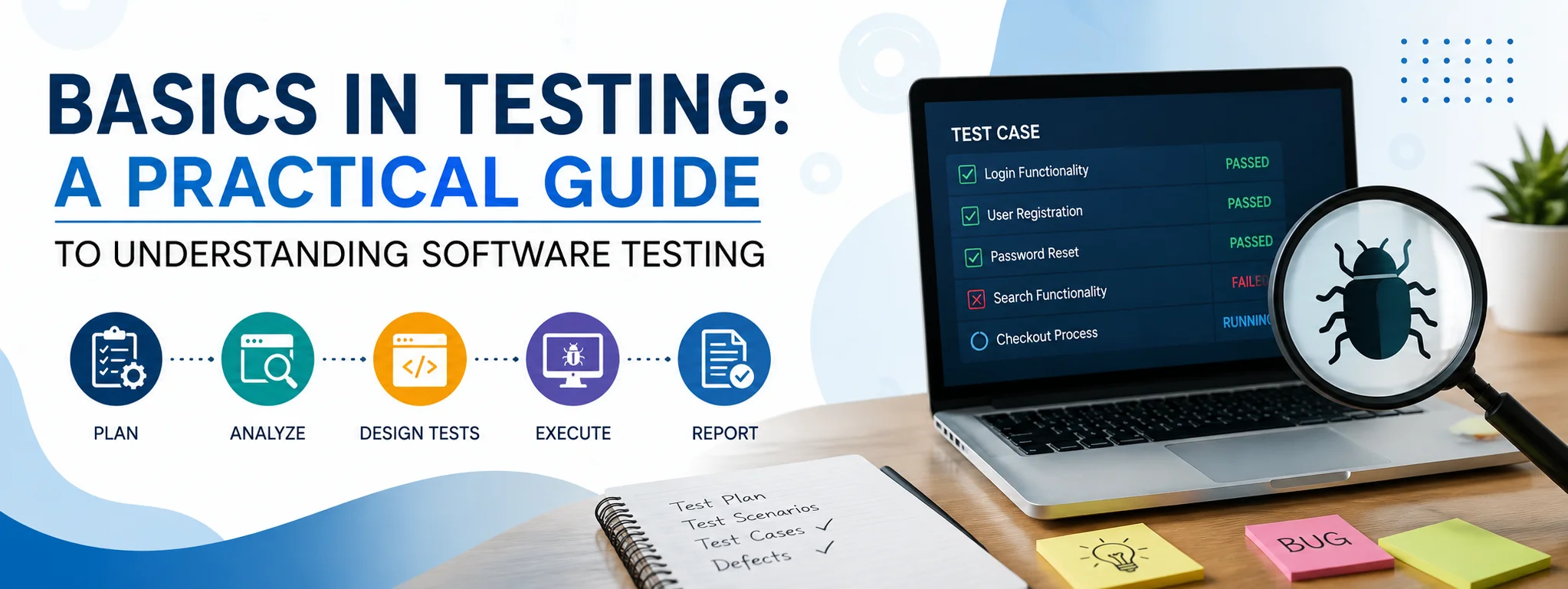
Software testing is an important part of creating reliable and user-friendly applications. Whether a team is developing a website, mobile application, desktop program, or business platform, testing helps identify problems before they affect real users. Understanding the basics in testing is therefore valuable for beginners, developers, quality assurance professionals, project managers, and anyone involved in software development.
Testing is not simply about finding errors. It is a systematic process used to check whether software behaves as expected, meets requirements, and provides a satisfactory experience. A good testing process can reduce development costs, improve reliability, and increase confidence before a product is released.
Understanding the Purpose of Testing
The main purpose of software testing is to discover defects and determine whether an application works according to its requirements. Developers may write code that appears correct, but real-world use can expose unexpected problems.
For example, an online shopping website may work correctly when one customer places an order. However, problems could occur when hundreds of users access the website simultaneously. Similarly, a login form might work with normal passwords but fail when users enter unusual characters or leave required fields empty.
Testing attempts to identify these situations before they become serious problems.
Common Types of Testing
There are several types of software testing, and each serves a different purpose. Understanding their roles makes it easier to select the right approach for a project.
| Testing Type | Main Purpose | Common Example |
|---|---|---|
| Unit Testing | Tests individual pieces of code | Checking a single calculation function |
| Integration Testing | Checks whether components work together | Testing payment and order systems |
| System Testing | Tests the complete application | Testing an entire website |
| Functional Testing | Verifies required features | Checking whether login works correctly |
| Performance Testing | Measures speed and stability | Testing response during heavy traffic |
| Security Testing | Identifies security weaknesses | Checking authentication and access controls |
| Usability Testing | Evaluates user experience | Observing how easily users complete a task |
| Regression Testing | Confirms existing features still work | Retesting after a new update |
These approaches are often combined rather than used independently.
Manual and Automated Testing
Testing can generally be performed manually or with automation.
Manual testing involves a person interacting with software and checking whether the results match expectations. A tester might open a website, enter information into a form, navigate through different pages, and record unexpected behavior. Manual testing can be especially useful for usability checks and exploratory testing.
Automated testing uses scripts or specialized software to execute predefined tests. Automation is particularly useful for repetitive tasks that need to be performed frequently. For example, a development team may automatically test a login system whenever new code is added.
Automation can save time, but it does not completely replace human testers. Some aspects, such as visual design, user experience, and unexpected behavior, still benefit from human judgment.
The Basic Testing Process
A structured testing process normally begins with understanding the requirements. Testers need to know what the software is supposed to do before they can determine whether it is working correctly.
The next step is planning. This involves deciding what should be tested, which methods will be used, what resources are required, and when testing should take place.
Test cases are then created. A test case usually describes an action, the expected result, and the actual result. For example, a test case for a login page could require entering a valid username and password and verifying that the user reaches the account dashboard.
After executing tests, testers document any problems they discover. These issues are commonly called defects or bugs. A useful bug report should contain enough information for developers to reproduce and investigate the problem.
Once developers fix an issue, the tester performs another test to verify the correction. Additional regression testing may also be performed to ensure that the change did not accidentally break another feature.
Positive and Negative Testing
One useful concept for beginners is the difference between positive and negative testing.
Positive testing checks whether software works when users provide valid information. For example, a registration form may be tested with a properly formatted email address and an acceptable password.
Negative testing deliberately uses invalid, unexpected, or incomplete information. A tester might leave required fields empty, enter an invalid email address, or submit extremely long text.
Both approaches are important because users do not always interact with software exactly as developers expect.
Why Test Cases Matter
Test cases provide structure and consistency. Without them, testers may repeatedly check the same areas while overlooking important functionality.
A well-designed test case should be clear enough that another tester can understand what needs to be done. It should also define the expected outcome.
Good test cases should cover normal situations, unusual inputs, boundary conditions, and important user workflows. For example, if an application accepts numbers from 1 to 100, testing only 50 is not enough. Values such as 1, 100, 0, and 101 may reveal additional problems.
Testing Throughout Development
Testing should not always be left until the final stage of a project. Finding problems early is generally easier and less expensive than discovering them after release.
Developers can perform unit tests while writing code, testers can evaluate individual features as they are completed, and teams can conduct broader system and acceptance testing before launch.
Continuous testing can also help development teams receive faster feedback when changes are introduced.
Important Skills for Beginners
People learning software testing should develop several practical skills. Attention to detail is important because small inconsistencies can reveal larger problems. Logical thinking helps testers determine how software might fail under different conditions.
Communication is equally important. Testers need to explain defects clearly so developers can reproduce and fix them.
Basic knowledge of programming, databases, web technologies, APIs, and testing tools can also be valuable. However, beginners do not need to master everything at once. Building a strong understanding of testing principles should come first.
Common Testing Mistakes
New testers sometimes focus only on whether the main feature works. This can cause them to overlook error handling, unusual inputs, performance problems, and security concerns.
Another common mistake is assuming that a feature is safe to release simply because one successful test was completed. Software usually needs multiple tests covering different conditions.
Poor documentation is another issue. If a defect report does not clearly describe the problem, developers may spend unnecessary time trying to reproduce it.
Final Thoughts
Learning the basics in testing provides a strong foundation for understanding software quality. Effective testing goes beyond finding obvious bugs. It involves thinking about how software should behave, how users may interact with it, and what could go wrong under different conditions.