
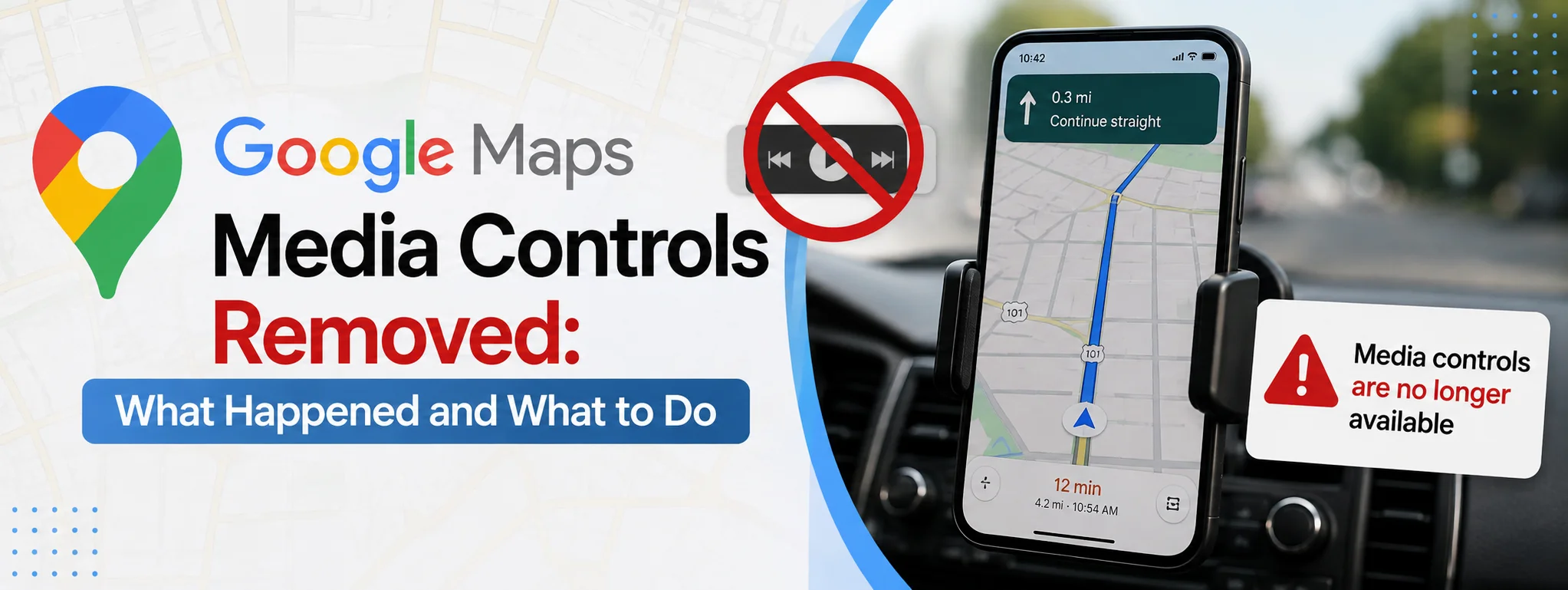
Google Maps has become an essential navigation tool for millions of drivers, but a change to the Android app left many users wondering why the familiar media controls had suddenly disappeared. The controls previously allowed people to pause music, skip tracks, browse suggestions, and open their preferred music app without leaving the navigation screen.
The disappearance was particularly noticeable in Google Maps versions 25.28 and 25.29 beta during July 2025. Google later confirmed that the missing controls were caused by an issue and said it was working on a fix.
For people who use Google Maps while listening to music or podcasts, this may seem like a small interface change, but it can make navigation less convenient. Understanding what happened, why the controls matter, and what options are available can make the transition easier.
What Were Google Maps Media Controls?
Google Maps media controls were designed to let drivers manage audio while continuing to use navigation. Instead of switching between Maps and a music application, users could access basic playback controls directly from the navigation interface.
Depending on the supported media application, the panel could provide options such as:
- Play or pause the current track
- Skip to another song
- Browse suggested tracks
- Open the connected music application
- Select a preferred media app
- Control playback without leaving the navigation screen
The feature was especially useful for drivers because it reduced the number of times they needed to move away from the navigation screen.
Google Maps supported popular services such as Spotify and YouTube Music through its media playback functionality. The controls could previously be enabled through the navigation settings.
Why Did Google Maps Media Controls Disappear?
The disappearance initially caused confusion because it looked like Google had intentionally removed a useful feature. The controls disappeared from certain Android versions of Google Maps, including stable version 25.28 and beta version 25.29.
Google subsequently acknowledged the problem and said it was actively working on an issue affecting media playback controls in Google Maps. This is important because it means the disappearance was not initially presented as a permanent retirement of the feature.
The situation was made more confusing because changes to Google’s driving-related features were happening at the same time. Google had already been changing the way Android users interacted with navigation and in-car experiences, which led some users to believe that the media controls had been intentionally discontinued.
However, Google’s public statement indicated that the missing controls were related to a problem rather than a confirmed permanent removal.
Why the Removal Matters to Drivers
Navigation and entertainment are often used together during long drives. A driver may want to change a song, pause a podcast, or switch to another track while following directions.
Having those controls inside Google Maps was convenient because users did not need to completely leave their route view. Without the integrated panel, users may have to rely on other methods to control their audio.
That can make the experience feel less seamless.
More importantly, drivers should avoid interacting with their phones while the vehicle is moving. Even a simple action such as searching for a song can take attention away from the road.
For that reason, the best solution is not necessarily finding another way to tap through several menus. Voice commands, steering-wheel controls, or a properly integrated vehicle system can often provide a safer way to manage entertainment.
Does the Problem Affect Everyone?
No. The issue has primarily been associated with Google Maps on Android.
Reports showed that the media controls were missing from particular Android versions while the functionality continued to exist on the iOS version of Google Maps.
This means two people using Google Maps can have different experiences depending on their device, operating system, Maps version, account configuration, and the way Google rolls out changes.
Google frequently tests changes through different app versions and server-side updates. As a result, one user may see a feature while another user does not, even when both appear to have similar versions of an application.
What Can You Do If Media Controls Are Missing?
If the media controls have disappeared from your Google Maps installation, there are several practical things worth checking.
1. Update Google Maps
First, check whether Google Maps has a newer version available through the Google Play Store.
Updates can contain bug fixes, compatibility improvements, and changes to navigation features. If Google has released a fix for a particular issue, installing the latest version may resolve it.
At the same time, don’t assume that every update will immediately restore the controls. Some Google features are enabled gradually, so availability can differ between users.
2. Restart the App
A simple restart can sometimes resolve temporary interface problems.
Close Google Maps completely, remove it from your recent applications, and then open it again. Start navigation and check whether the media controls appear.
This is a basic step, but it can help when an application has failed to load part of its interface correctly.
3. Check Navigation Settings
Google Maps has historically placed media-related options within its navigation settings.
Open Google Maps and look through:
Profile picture → Settings → Navigation
Depending on your Maps version and device, the exact options may differ. If you see a setting related to media playback controls, make sure it is enabled.
If the option itself has disappeared, that may indicate that your current Maps version or account configuration does not have the feature available.
4. Check Your Music Application
If you use Spotify, YouTube Music, or another supported service, make sure the application is installed, updated, and working normally.
Start playing audio before beginning navigation and then check whether Maps recognizes the active media session.
Background restrictions can also interfere with music applications. If your phone aggressively limits background activity, playback integration may not work as expected.
5. Use Your Phone’s Media Notification
Even when the Maps controls are unavailable, Android normally provides media controls through the system interface when an application is playing audio.
You can access the media player through the notification area on compatible devices. However, drivers should only interact with the phone when it is safe and legal to do so.
For regular driving, voice commands or vehicle controls are preferable.
Can Android Auto Help?
For drivers whose vehicles support Android Auto, the in-car interface may provide a more integrated way to combine navigation and media.
Android Auto is designed specifically for using compatible phone applications through a vehicle’s display. Depending on the vehicle, phone, and supported applications, users can access navigation, music, communication, and other functions through the car’s interface.
This can be more convenient than relying entirely on the phone’s screen.
However, Android Auto availability and features vary between vehicles and regions. A phone running Google Maps does not automatically mean every Android Auto feature will be available.
What About Spotify and YouTube Music?
Spotify and YouTube Music were among the services associated with Google Maps’ media playback controls.
The controls allowed users to interact with music while continuing to navigate. Reports about the feature’s disappearance specifically mentioned these services, making the change particularly noticeable among people who regularly use them while driving.
If your preferred music service no longer appears inside Maps, don’t assume that the music application itself is broken. The missing integration can be caused by changes within Google Maps.
Checking the music app separately can help determine whether the problem is limited to Maps or affects playback generally.
Is Google Maps Permanently Removing Media Controls?
There is an important distinction between a feature being intentionally discontinued and a feature temporarily disappearing because of a software issue.
In this case, Google publicly described the missing media controls as an issue and stated that it was working on a fix.
That means users should be cautious about claims that Google has permanently eliminated the feature unless Google makes a new official announcement.
Technology services frequently change their interfaces, and features can disappear temporarily during updates or testing. A missing option does not always mean that the company has permanently abandoned it.
Why Google May Be Changing the Navigation Experience
Google Maps has been evolving beyond traditional turn-by-turn directions. The company has increasingly focused on creating connected experiences across phones, vehicles, voice interaction, and other services.
This creates a difficult balance.
On one hand, Google wants Maps to remain simple and focused on navigation. On the other hand, drivers expect navigation applications to work naturally with music, podcasts, calls, and other everyday functions.
Removing or changing an integrated control can therefore have a bigger effect than its small size on the screen suggests.
For users, the ideal navigation experience is one where essential information is visible without unnecessary interaction. Media controls fit into that idea when they are implemented correctly.
Safety Should Come First
The disappearance of media controls may be frustrating, but drivers should not try to restore them by experimenting with their phone while driving.
Before starting a trip, choose your music, connect your phone, and configure navigation. If you need to make a change, use voice controls, steering-wheel buttons, or pull over somewhere safe.
No navigation feature is worth creating a dangerous driving situation.
A well-designed interface should reduce distractions, but users still have responsibility for how they interact with their devices.
What Users Should Expect Going Forward
The Google Maps media-control situation demonstrates how quickly mobile applications can change.
A feature that has been available for years can suddenly disappear after an update. Sometimes the change is intentional. In other cases, it may be a bug, a staged experiment, or an incompatibility between different versions of an application.
For that reason, users experiencing missing media controls should keep Google Maps updated and monitor official Google support information rather than immediately installing questionable third-party applications.
It is also useful to keep alternative methods available. Vehicle controls, voice commands, Android Auto, and system-level media controls can all reduce dependence on one particular Google Maps feature.
Final Thoughts
The Google Maps media controls removed issue caused understandable frustration among Android users who relied on quick access to music and podcast controls while navigating. The controls were useful because they allowed basic playback actions without forcing users to leave the navigation screen.