
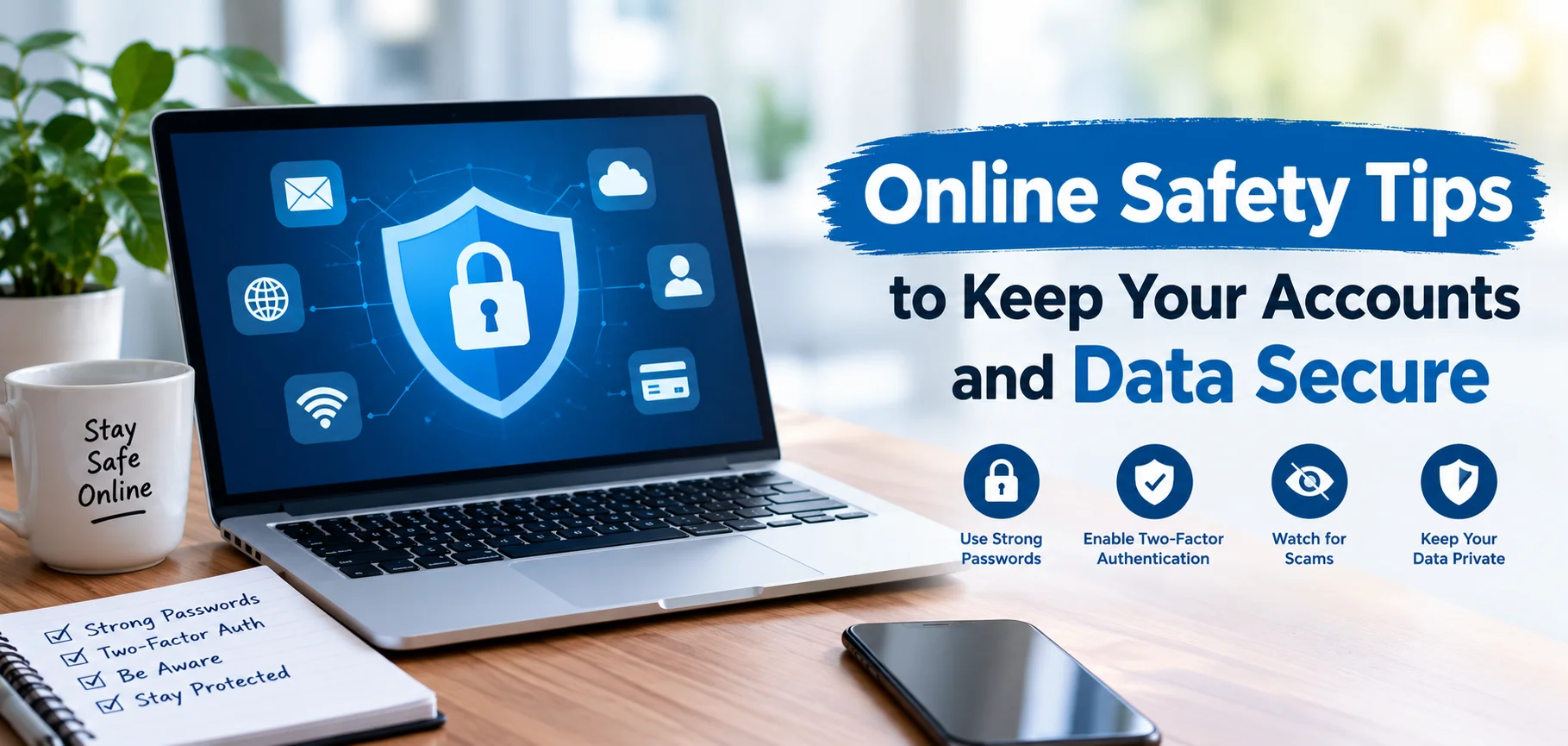
The internet has become an essential part of everyday life. People use online services for communication, shopping, banking, education, entertainment, work, and storing personal information. However, greater connectivity also creates new security risks. Cybercriminals constantly develop smarter ways to steal passwords, access accounts, collect personal information, and trick users into revealing sensitive details. Learning practical Online Safety Tips can help you protect your digital identity and reduce the chances of becoming a victim of online threats.
Good online security does not require advanced technical knowledge. Simple habits such as using strong passwords, enabling two-factor authentication, updating software, and recognizing suspicious messages can make a significant difference. The goal is not to avoid the internet but to use it more carefully and confidently.
Why Online Safety Tips Matter
Your online accounts may contain valuable information, including names, addresses, photographs, payment details, private conversations, and work documents. If criminals gain access to one account, they may attempt to use the same information to compromise others.
A weak password, an unsafe download, or a convincing phishing message can sometimes give attackers an easy entry point. This is why online safety should be treated as an ongoing habit rather than a one-time task.
Following reliable Online Safety Tips can help you:
- Protect personal and financial information from unauthorized access.
- Reduce the risk of phishing, malware, and account takeover attacks.
- Keep social media and email accounts more secure.
- Prevent strangers from accessing private files and conversations.
- Respond more effectively when suspicious activity occurs.
Use Strong and Unique Passwords
One of the most important Online Safety Tips is to create strong passwords for every important account. A password should be difficult to guess and should not contain obvious information such as your name, birthday, phone number, or favorite team.
Using the same password across multiple websites is particularly dangerous. If one website experiences a data breach, criminals may try the stolen password on other services.
A strong password should ideally be long and unique. Consider using a password manager to create and store complex passwords securely. This allows you to use different credentials without having to memorize every combination.
Create Better Passwords
Instead of using a short and predictable password, consider using a long passphrase made from unrelated words. Adding numbers and symbols can provide another layer of protection when supported by the service.
Avoid changing a password simply by adding a different number at the end each time. Unique credentials are more valuable than predictable variations.
Turn On Two-Factor Authentication
Two-factor authentication, often called 2FA, provides an additional security layer after your password. Even if someone discovers your password, they may still be unable to enter the account without the second verification step.
Depending on the service, the second factor might be an authentication app, security key, or verification code.
Enable 2FA on important accounts first, particularly:
- Email accounts
- Banking and payment services
- Social media accounts
- Cloud storage
- Work-related platforms
For many users, two-factor authentication is one of the most powerful and effective improvements they can make to their account security.
Recognize Phishing Messages
Phishing remains one of the most common ways criminals attempt to steal login credentials and personal information. A fraudulent email, text message, or social media message may appear to come from a legitimate company.
The message might claim that your account has been locked, a payment failed, or an urgent verification is required. Its purpose is often to make you react quickly without checking the details.
Warning Signs of Phishing
Pay attention to unusual requests, unexpected attachments, suspicious links, urgent language, and messages asking for passwords or financial information.
Before clicking a link, check the sender and destination carefully. If a message claims to come from a company, visit the company’s official website directly instead of using the link provided in the message.
Keep Software and Devices Updated
Software updates are not only about adding new features. They often contain important security patches that fix weaknesses discovered by developers or security researchers.
Operating systems, browsers, mobile applications, plugins, and security software should be kept updated whenever practical.
Enable automatic updates when they are available and appropriate. Delaying important updates can leave known vulnerabilities exposed for longer than necessary.
Protect Your Browser
Your browser is one of the main gateways to the internet. Keep it updated and remove extensions that you no longer use. Only install browser extensions from reputable sources and review their permissions before installation.
Be cautious when websites ask for access to your location, camera, microphone, files, or other sensitive information.
Be Careful on Public Wi-Fi
Public Wi-Fi can be convenient at airports, hotels, restaurants, libraries, and other locations. However, users should avoid assuming that every public network is trustworthy.
Do not perform highly sensitive activities on an unfamiliar network unless you understand the security protections involved. When possible, use your mobile connection for particularly sensitive transactions.
You should also avoid connecting automatically to unknown wireless networks. Turn off automatic Wi-Fi connection features when they are unnecessary.
Protect Your Personal Information
Sharing too much information online can create unexpected security risks. Details such as your full birth date, home address, phone number, travel plans, or answers to common security questions can sometimes help attackers construct convincing scams.
Review what you publicly share on social networks and other platforms.
Think carefully before posting:
- Your exact location or daily routine.
- Private identification or financial information.
- Password-related information.
- Images containing documents or sensitive details.
- Personal information that could be used for security questions.
A smaller public footprint can make it harder for criminals to build a detailed profile about you.
Secure Your Social Media Accounts
Social media accounts can contain years of personal conversations, photographs, contacts, and other information. A compromised account can also be used to send malicious messages to your friends and followers.
Use a unique password and enable two-factor authentication. Review privacy settings regularly and remove unfamiliar applications connected to your account.
If you receive an unexpected message from someone you know asking for money, a verification code, or a strange link, contact them through another method before responding.
Download Apps and Files Carefully
Malicious software can be disguised as useful applications, documents, browser extensions, games, or media files. Download software only from reputable sources whenever possible.
Avoid pirated software and suspicious downloads because they can contain hidden malware or unwanted programs.
Before installing an application, check the developer, reviews, requested permissions, and download source. If an app requests access that does not make sense for its purpose, consider avoiding it.
Back Up Important Data
Backups are an underrated part of digital security. If your device is damaged, lost, stolen, or affected by malware, a reliable backup can help you recover important information.
Keep copies of valuable photographs, documents, business files, and other important data. Where possible, use more than one backup location.
A useful approach is to maintain one backup that is not permanently connected to your main device. This can reduce the impact of certain malware and ransomware incidents.
Check Account Activity Regularly
Many online services provide security dashboards that show recent logins, connected devices, active sessions, or unusual activity.
Review these settings periodically. If you notice a device or login location you do not recognize, investigate immediately.
Change the affected password and sign out of unfamiliar sessions when appropriate. Also review recovery email addresses, phone numbers, and authentication methods to make sure they belong to you.
Online Safety Tips for Shopping and Payments
Online shopping requires additional care because financial information may be involved. Before entering payment details, make sure you are using the legitimate website or application.
Look carefully at the website address and avoid clicking payment links received through unexpected messages.
| Online Activity | Recommended Safety Practice | Main Risk |
|---|---|---|
| Online banking | Use 2FA and a unique password | Account theft |
| Shopping | Verify the website before payment | Payment scams |
| Avoid suspicious attachments and links | Phishing | |
| Social media | Review privacy and login activity | Account takeover |
| Public Wi-Fi | Avoid sensitive transactions on unknown networks | Data exposure |
| Downloads | Use trusted sources | Malware |
Never share one-time verification codes with another person. Legitimate organizations generally do not need you to reveal authentication codes through unsolicited calls or messages.
Be Alert to Social Engineering
Not every cyberattack depends on complicated software. Some rely entirely on human psychology.
Social engineering attacks attempt to manipulate people into taking an unsafe action. An attacker might pretend to be a bank employee, coworker, friend, delivery company, or technical support representative.
They may create fear, urgency, curiosity, or excitement to influence your decision.
The best defense is to slow down. If someone demands immediate action involving money, passwords, verification codes, or confidential information, verify the request through an independent channel.
Review Your Privacy Settings
Privacy settings can change when platforms introduce new features or update their policies. Check your account settings periodically instead of assuming your previous choices remain unchanged.
Review who can see your posts, contact you, find your profile, or access information connected to your account.
You should also review permissions given to third-party applications. Disconnect services that you no longer use.
Secure Your Email Account
Your email account deserves special attention because it may be connected to many other accounts. If someone gains access to your email, they could potentially request password resets for other services.
Use a strong, unique password and enable two-factor authentication. Keep your recovery information current and review recent login activity.
Be especially careful with unexpected password-reset emails. Instead of clicking a link immediately, open the relevant service directly through its official website or application.
What to Do After a Security Problem
Even careful users can experience security incidents. If you believe an account has been compromised, act quickly.
Start by changing the password from a trusted device. Sign out of other sessions if the service provides that option, enable two-factor authentication, and review recent account activity.
If financial information may have been exposed, contact the relevant financial institution using an official phone number or website. For malware concerns, disconnect the affected device from networks when appropriate and use reputable security software or professional assistance.
The faster you respond, the more effectively you may be able to limit the damage.
Build Better Digital Habits
Online security becomes easier when it becomes part of your normal routine. Instead of waiting for a suspicious event, create a simple security checklist.
Once a month, review important account activity, update devices, remove unused applications, check privacy settings, and verify your backup system.
You do not need to become a cybersecurity expert. Consistent small actions can provide meaningful protection over time.
Final Thoughts
The internet offers enormous convenience, but it also requires responsible digital habits. Strong passwords, two-factor authentication, careful browsing, software updates, secure backups, and awareness of phishing can significantly improve your protection.
The most valuable Online Safety Tips are often the simplest ones: pause before clicking, verify unexpected requests, protect your passwords, limit unnecessary personal information, and keep your devices updated.
Online threats will continue to evolve, but your security habits can evolve with them. By staying alert and making thoughtful choices, you can enjoy the benefits of connected technology while keeping your accounts and personal data safer.
Frequently Asked Questions
1. What are the most important Online Safety Tips?
Use unique passwords, enable two-factor authentication, recognize phishing attempts, update software, and avoid sharing sensitive information unnecessarily.
2. Should I use the same password for multiple accounts?
No. Using unique passwords helps prevent one compromised account from exposing your other accounts.
3. Is two-factor authentication worth using?
Yes. It provides an additional verification layer and can protect an account even when a password has been exposed.
4. How can I identify a phishing message?
Look for unexpected requests, urgent language, suspicious links, unusual sender addresses, attachments, and requests for passwords or verification codes.
5. How often should I review my online security?
A monthly security check is a useful routine. You should also review your accounts immediately after receiving a suspicious alert or noticing unusual activity.